Check your pack is genuine
Every official pack has an anti-counterfeit QR code. Checking takes a minute.
Find the QR code on the back of the pack
There are three types of QR code.
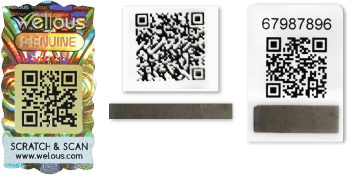
Scan it with your phone camera
The brand’s own page opens. No app needed.

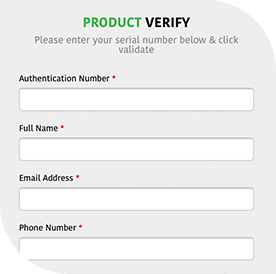
Key in the security code
Before you startOnly 3 attempt(s) are allowed to run QR Scan.
Key in security code - Only 1 attempt is given for code verification.Read the result

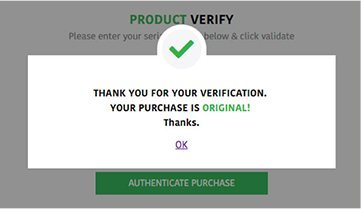
This message box will appear if your purchase is original. 
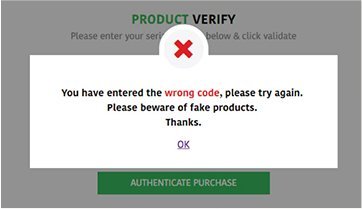
This message box will appear if your purchase is fake or if you entered the wrong numbers. Says fake, or stuck?
Chat with us. A real person will help, 24/7.
Chat with us on Messenger

Shop genuine packs
Every pack in this store is official stock.
Back to the shopQuestions? Chat with us 24/7